
A box one shortcut away
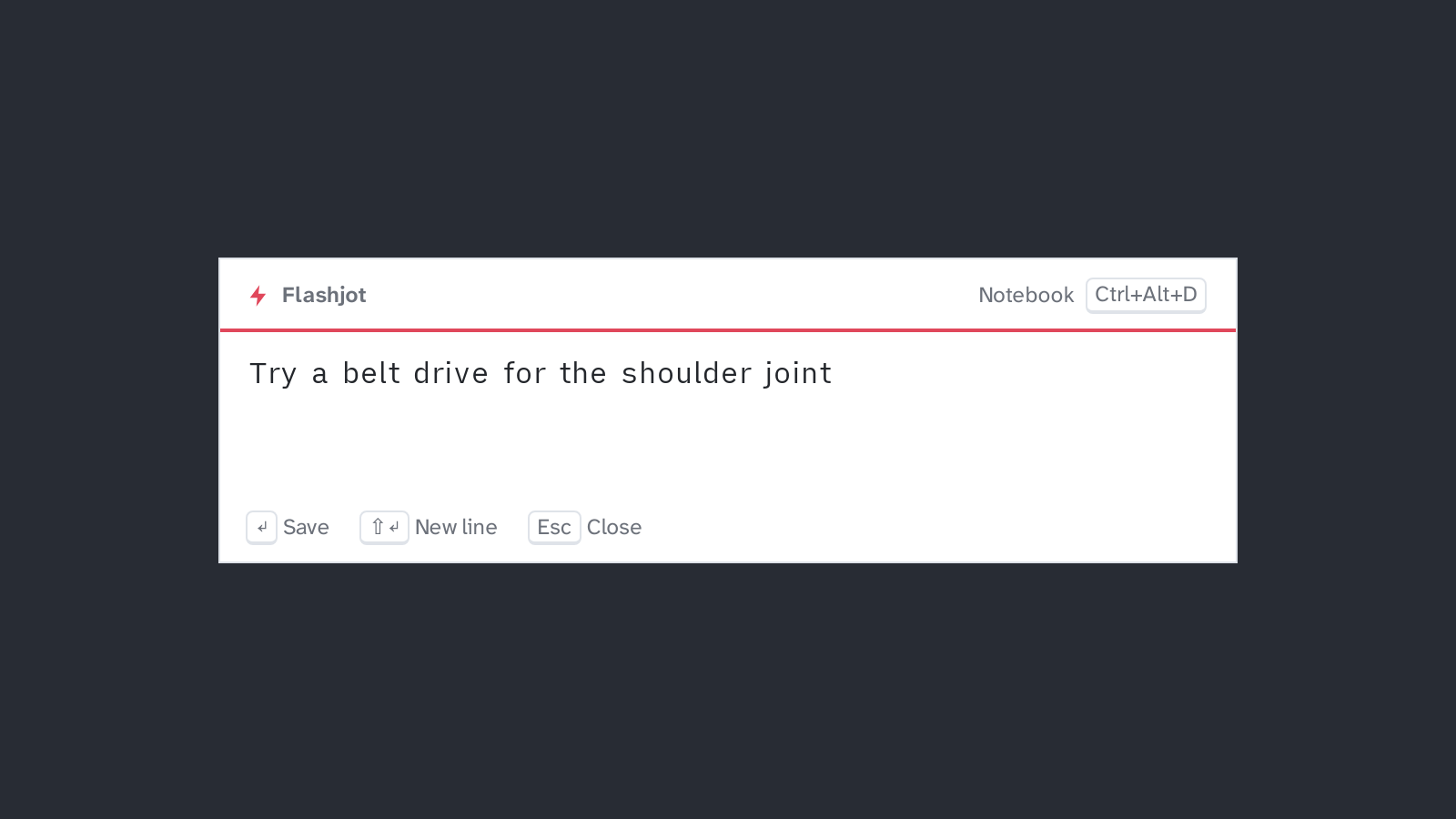
Ctrl+Alt+N opens a small box on the monitor your mouse is on, with the cursor already in it.
Enter saves. See Quick capture.
Ideas show up at bad times: in the middle of a build, a meeting or a sentence. Opening a full note app breaks your flow, and by the time it has loaded the idea is gone. Flashjot keeps a capture box one shortcut away, and a notebook for when you have time to sort things out.
A box one shortcut away
Ctrl+Alt+N opens a small box on the monitor your mouse is on, with the cursor already in it.
Enter saves. See Quick capture.
Drafts never get lost
Press Esc or click somewhere else, and whatever you typed is still there next time. Saved
notes are written so that a power cut can’t leave a half-written file.
An Inbox to sort later
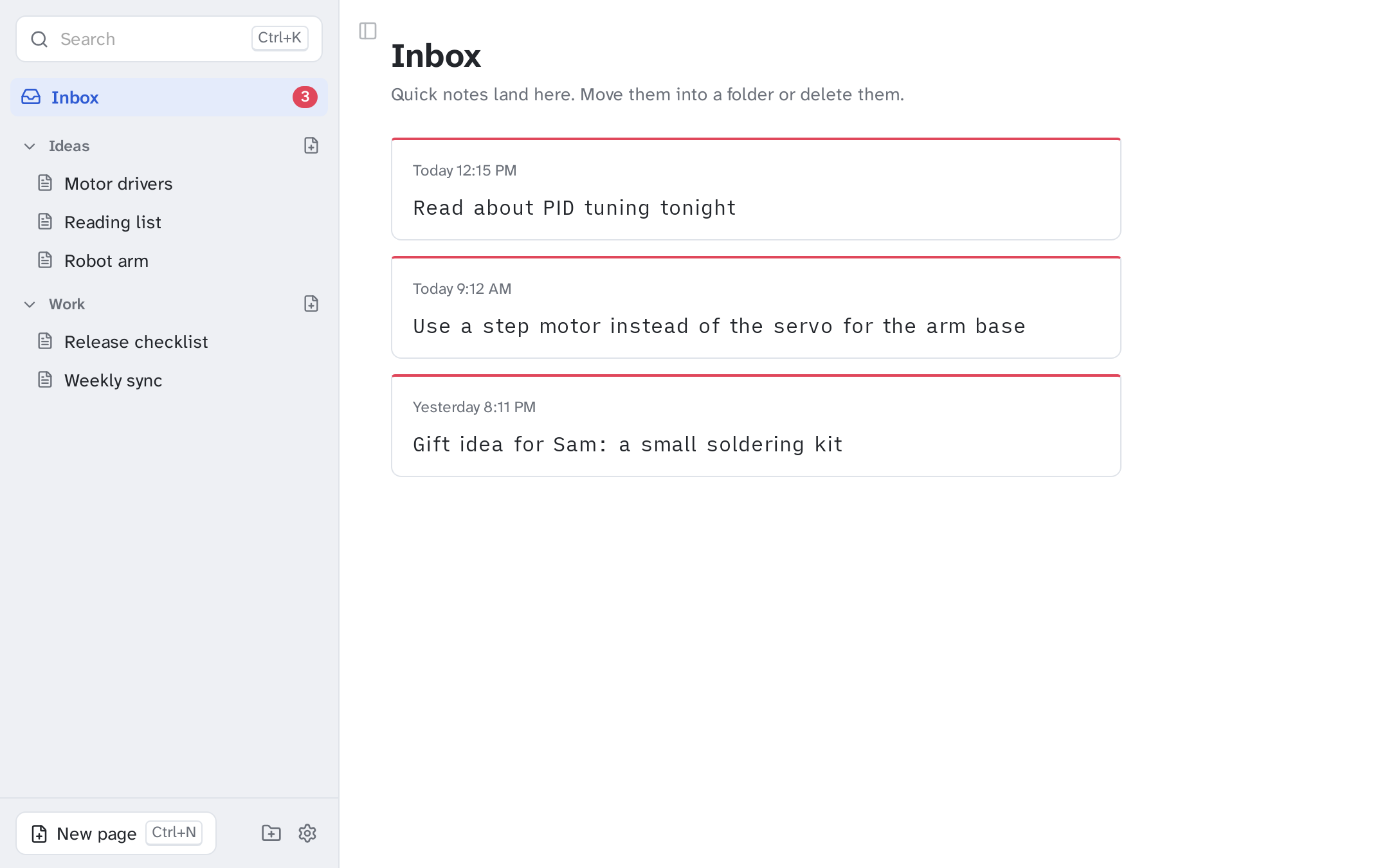
Quick notes land in the Inbox as cards. Press M to file one into a folder and it gets a title
from its first line.
A notebook with folders
Pages in folders, a Markdown editor with live styling and clickable checkboxes, and search
across everything with Ctrl+K. See Notebook.
Plain Markdown files
Every note is a .md file in Documents/Flashjot. Open them in Obsidian, VS Code or any
editor, and keep them in git or a synced folder. See Your notes.
Keyboard first
Every action has a shortcut, and you can record your own global shortcuts in Settings. See Shortcuts.
Linux, Windows and macOS
Built with Tauri: it uses the system’s web view instead of shipping a browser, so the installer is about 3 MB. Starts in the tray, ready when you are.
English and Turkish, light and dark
The interface follows your system language and light or dark setting. You can change both in Settings.
Download the installer for your system from the latest release. It is free and has no account, no telemetry and no network access: your notes never leave your computer.
Flashjot is free software under the MIT License. The code, the issues and the plans are on GitHub. Contributions are welcome, from typo fixes and translations to new features.